Disclosure: This post may contain affiliate links, meaning if you decide to make a purchase via my links, I may earn a commission at no additional cost to you. See my disclosure for more info.
Apps make the world go round. They are so convenient and helpful, especially budgeting apps. These apps are a great way to save money and keep up with your spending habits.
According to a recent report, over 75% of respondents have used at least one budgeting app. I have tried many different ones. But with so many budgeting apps, how can you tell which apps are essential?
These essential budgeting apps were carefully chosen for their ease of use, cost, and unique features.
You Need a Budget (YNAB)
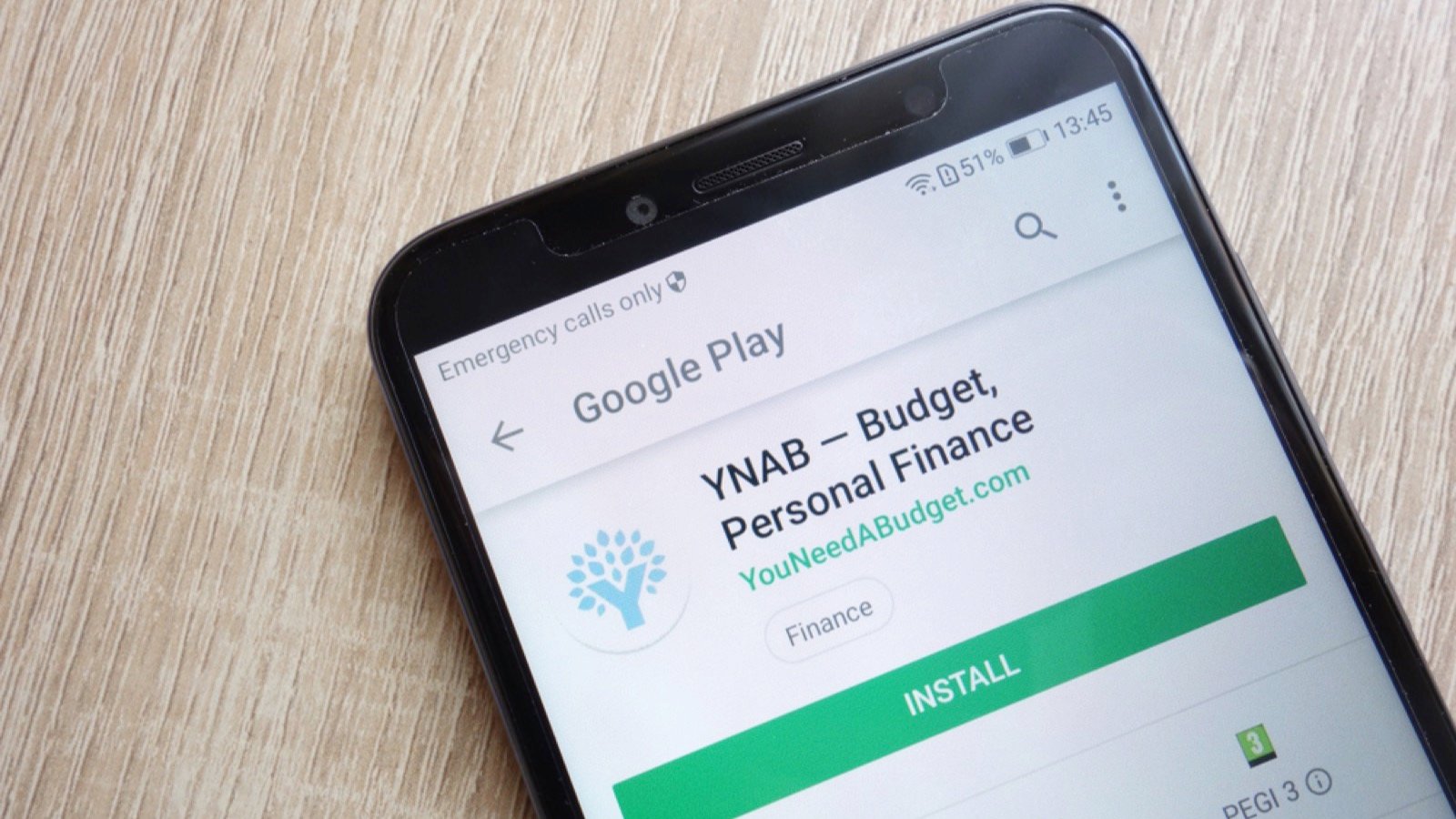
You Need a Budget (YNAB) is a classic and one of the more well-known budgeting apps. This cost-effective app saves users a lot of money by tracking their spending and budgeting their income using a zero-based budgeting method.
Unfortunately, this app is not free, but the cost is well worth the benefits. There are two ways to pay for the subscription: monthly, which is about $14.99, and yearly, which is $99.
Stash

Stash is a unique app. When I first started investing and budgeting, it was one of the apps I gravitated to.
This app has many features. You can track your spending and savings goals and invest with just a few dollars. Stash is beginner-friendly and guides you step by step.
Rocket Money

If you watch YouTube regularly, you’ve likely heard of Rocket Money. This budgeting app sponsors many of the YouTubers I watch, and for me, it works. It’s a highly customizable budgeting platform that allows users to adjust their budgeting style to suit them better.
Rocket Money isn’t completely free. There is a free and a premium subscription version. One of the most helpful features of this app is that it tracks your subscriptions easily so you can stay on top of monthly bills.
Honeydue

I’ve used Honeydue with my partner in the past. It’s an excellent budgeting app for couples. It’s accessible by multiple parties, and the app is free.
Honeydue is a simple app that can help you start your budgeting journey. It can be used to track spending with over 20,000 financial institutions.
PocketGuard

Like most other budgeting apps, PocketGuard has multiple account types. The free version is easy to use but has some limitations. If you want to unlock premium content, you need a subscription. The app provides you with two payment options: monthly and yearly.
PocketGuard is simple and easy to use. It also lets you choose how you want to budget, which is a neat feature.
Empower
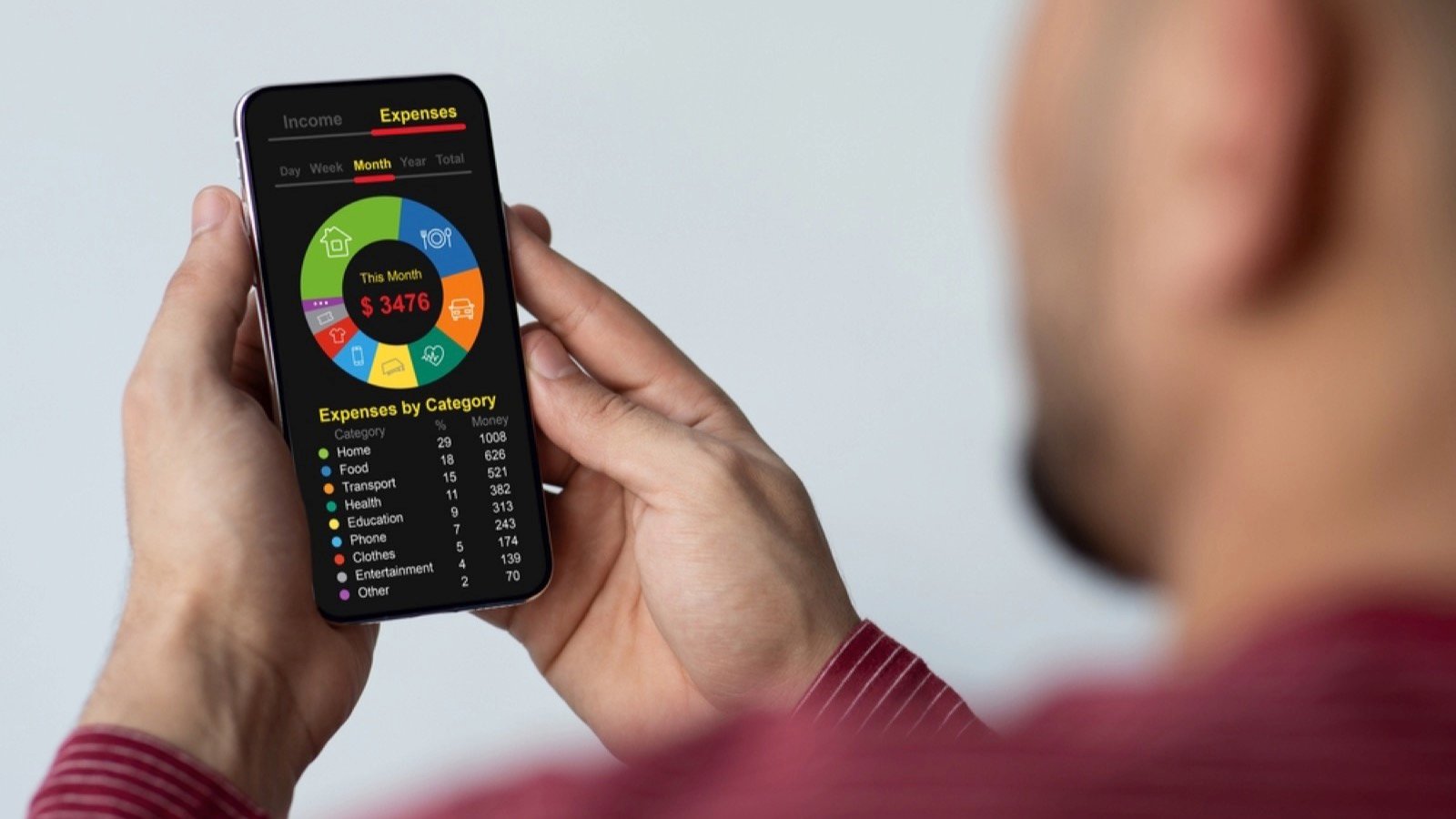
Another free essential budgeting app you need to use is Empower, also known as the Empower Personal Dashboard. This financing app is free and tracks your net worth.
You can track multiple accounts through the app. Empower also offers Empower Personal Cash accounts.
Monarch Money

Lots of people love using Monarch Money. Although it’s not free, the cost of a subscription is low. This budgeting app costs $14.99 a month or $99 yearly.
You don’t have to make a decision right away. The app offers users seven-day free trials. Monarch Money is fun to use, and you can customize your savings goals.
Simplifi

The Simplifi is also super user-friendly. The app’s interface is also easy on the eyes. This app can track spending, set savings goals, and remember due dates.
This app isn’t free, but it is affordable. You can pay as little as $2.99 a month when you pay annually. A feature I really like from this app is the easy-to-read graphs.
Tiller

Tiller isn’t the most popular budgeting app, but it can save you a lot of money. Tiller connects to your bank and converts your spending into an easy-to-read spreadsheet. This app also auto-categorizes your spending, so you don’t have to.
Technically, Tiller is an honorable mention. This spending tracker is not an app, but it is still helpful for better understanding your finances.
Copilot Money

Not many people have heard of Copilot, either. This app is not free, but the investment is worth it. As the name suggests, the app leverages machine learning and AI features to help you adjust your money management based on trends.
To use this app, users need to pay $13 a month or $95 a year. However, a free trial is available before you commit. The only downside of this app is that it’s only available for Apple devices. Still, if you’re an Apple user, it can help you track, earn, invest, and save.
Goodbudget

Goodbudget is another excellent app that helps you save money in real time. There is a free and premium version. Personally, this is one of my favorite budgeting apps. As someone who loves the cash envelope method, Goodbudget is convenient for using a similar strategy online.
The free version is also not too limited. You can use it to save money and keep up with your spending. This app also tracks debt payoff.
EveryDollar

Lastly is EveryDollar, a convenient app that helps you track every dollar spent. This app is easy to use and understand. It guides you through the process of signing up and creating a budget.
EveryDollar has both free and premium options available. The premium version includes goal setting, paycheck planning, and custom budget reports.