
Disclosure: This post may contain affiliate links, meaning if you decide to make a purchase via my links, I may earn a commission at no additional cost to you. See my disclosure for more info.
Whether you rely on your internet(Internet Speed) to work from home or want to enjoy streaming a movie without disruption, knowing how to check and improve your internet speed is an essential skill. This article will briefly explain the main components of internet speed and how to troubleshoot your situation to ensure you have the best online experience.
Use an Online Speed Test Tool
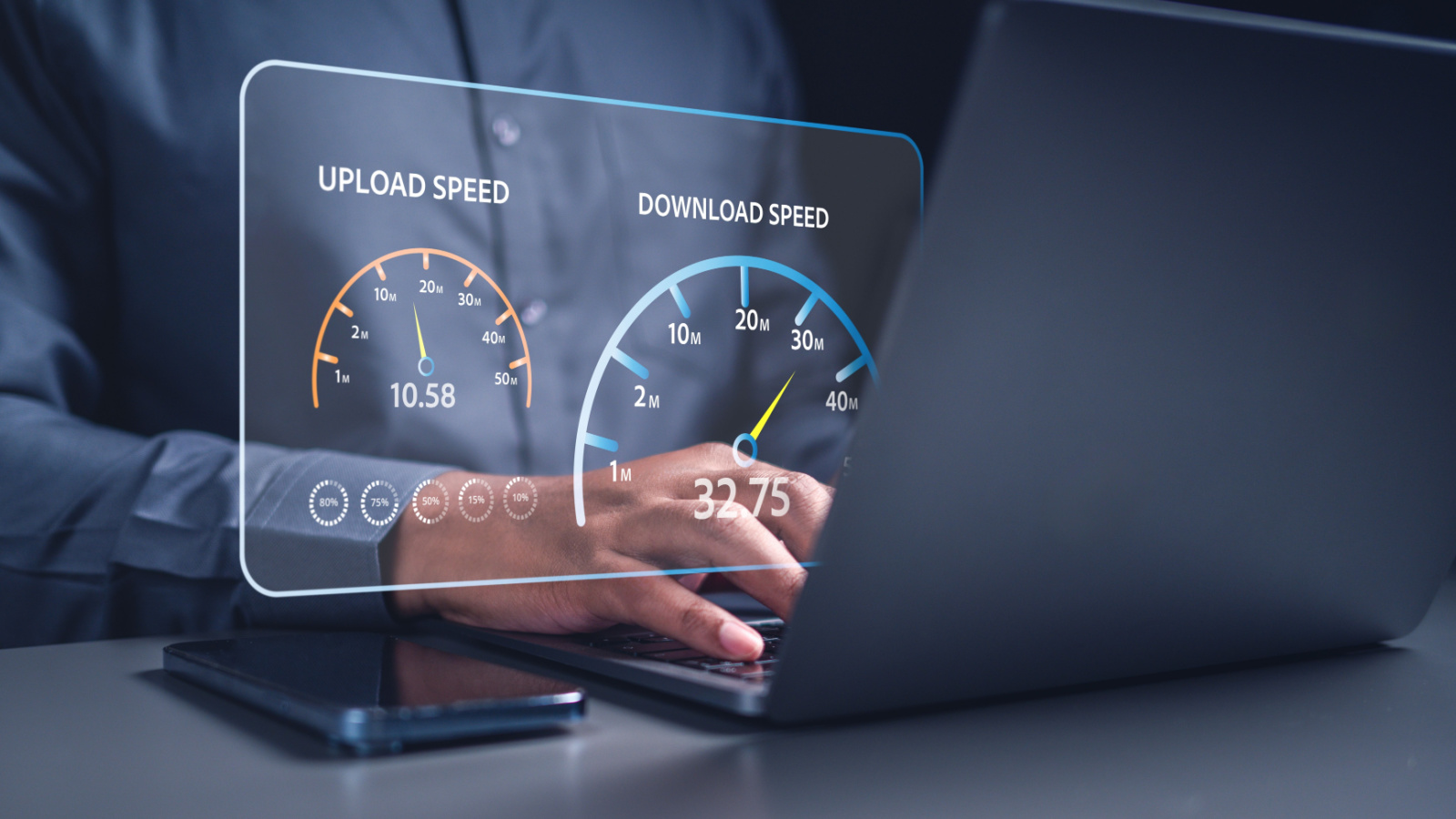
Several websites like Speedtest.net, Fast.com, and Ookla.com will test your internet speed. Visit one of these websites and click the “Start Test” button. The website will then measure your internet speed and display the results.
Test Speeds via Mobile App

You can download a speed test app like Speedtest by Ookla or Internet Speed Test from your smartphone. These apps work in the same way as online speed test tools and can give you an accurate measurement of your internet speed.
Check Your Internet Plan

Compare the speed you’re paying for with the results from the online speed test to see if you are receiving the internet speed you are paying for.
Use a Router App
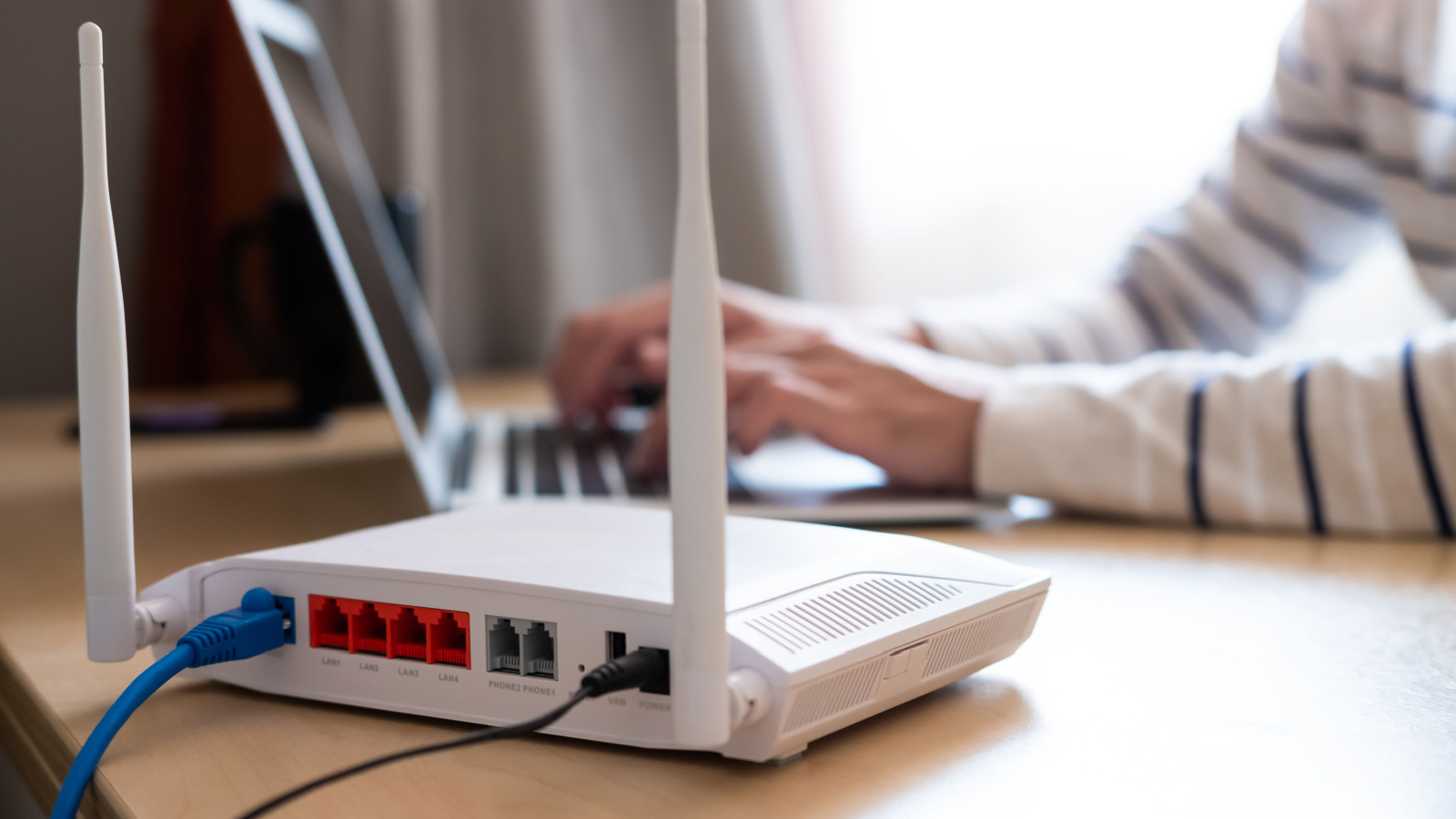
Most modern routers have a companion app that can help you monitor your internet speed and other metrics. These apps can give you more detailed information about your internet connection, such as the number of connected devices and the amount of data used.
Test at Different Times

Internet speeds can vary depending on the time of day and the number of people using the network. To get an accurate measurement of your internet speed, it’s a good idea to test it at different times throughout the day to see if there are any significant fluctuations.
Restart Your Router and Modem
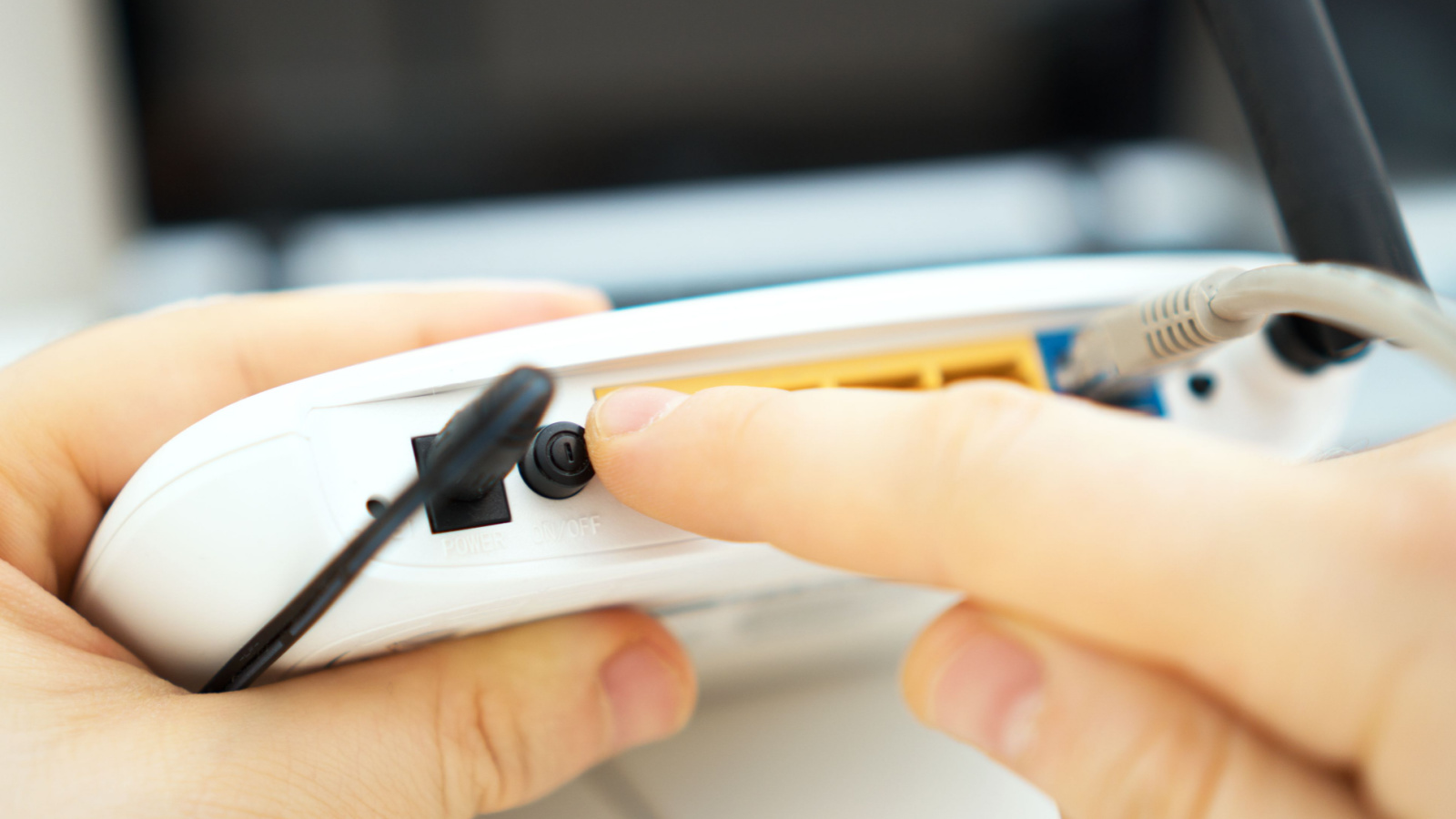
Sometimes, simply restarting your router and modem can help improve internet speed. Turn off both devices and unplug them from the power source for at least 30 seconds, then plug them back in and turn them on.
Move Closer to the Router
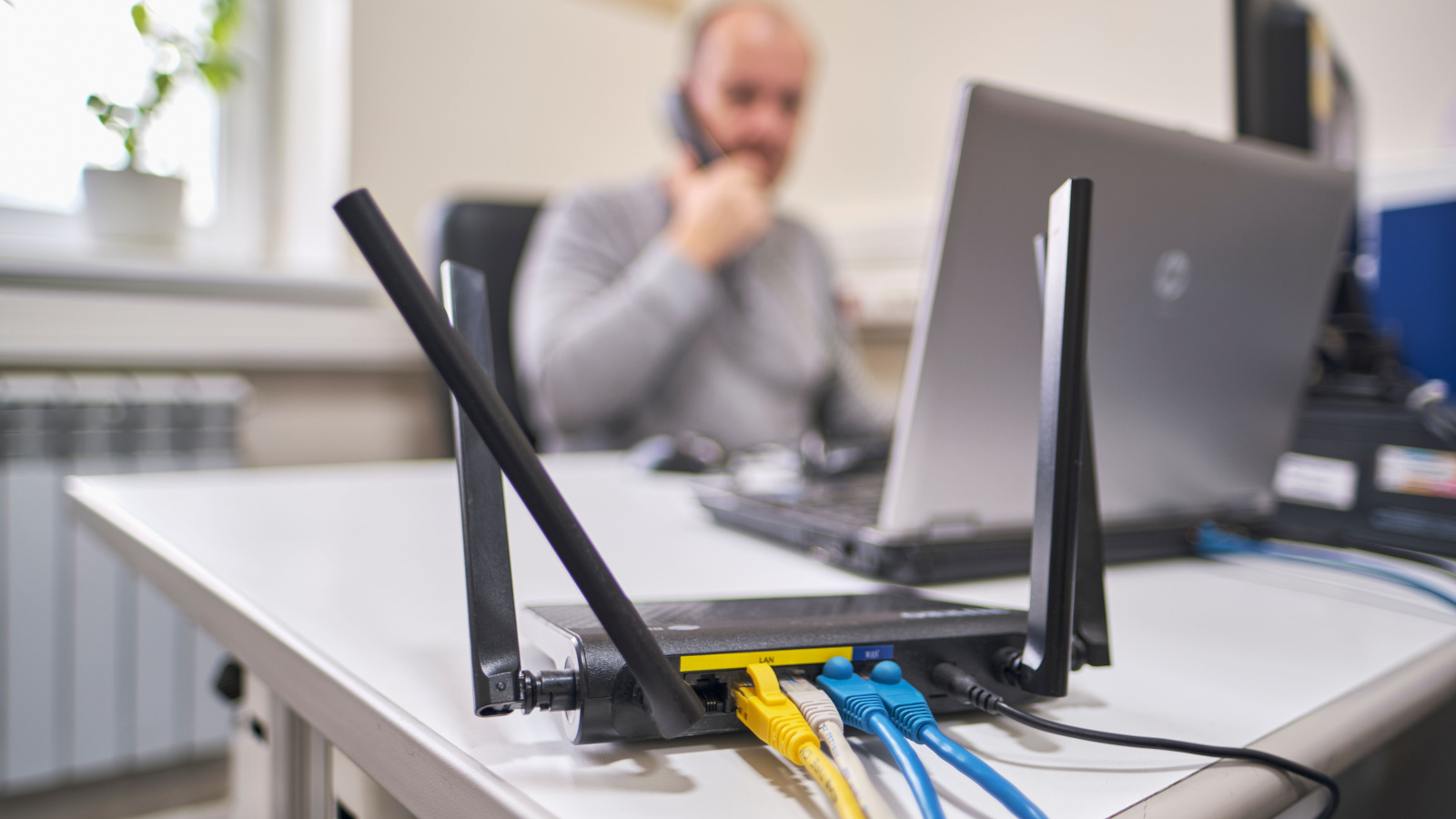
The farther away you are from the router, the weaker the signal, which can result in slower internet speeds. Try moving closer to the router or consider moving the router to a more central location in your home. If this is not a feasible solution, consider adding mesh points to strengthen the reach of your Wi-Fi signal throughout your home.
Reduce Interference

Minimize interference by avoiding placing your router near other electronics, microwaves, cordless phones, etc., as these can interfere with the Wi-Fi signal.
Update Firmware & Software

Make sure your router’s firmware is up-to-date. Router manufacturers occasionally release updates that can improve performance and fix bugs. The same is true for software on your devices.
Clean Your Devices

Following routine maintenance like clearing cache or browsing history, emptying your recycle bin, and scrubbing for malware can help optimize your online experience. It is also important to dust and clean your devices regularly. This includes the router and modem. Residual dust and grime can impact the performance and longevity of all electronics.
Upgrade Your Internet Plan

If you’re consistently experiencing technical difficulties or internet slowdowns, upgrading your internet plan or switching providers may be necessary. Not all internet services are equal, so research and talk to your internet service provider (ISP) about upgrade options and promotions.
Reduce the Number of Connected Devices

The more devices connected to your network, the slower your internet speed will be. If you have a large family who enjoy streaming, playing games, or doing online activities that strain your bandwidth, you may have no choice but to upgrade your service.
Limit Background Activities
How many apps can refresh in the background while not using them? How many browser extensions or software do you have on your laptop that can refresh while you’re not actively using them? These apps, widgets, and software can significantly drain your bandwidth over time. Consider turning off all nonessential items to improve your connectivity.
Plan Around Peak Hours

Streaming video or downloading large files takes up a lot of bandwidth and slows down your internet speed. Try to plan when you will download certain items to avoid straining your bandwidth during peak times. For example, if you want to watch a movie one evening while someone else wants to play a game, consider downloading your film beforehand so it will not compete with the game for bandwidth.
Use an Ethernet Cable

Wi-Fi is more convenient and aesthetic than cables lying everywhere; however, it is also more unstable and often slower. Connect your computer directly to the router using an ethernet cable if possible. This will help improve internet speed and stability.
Consider Upgrading Your In-House Network

If you’re still experiencing slow internet speeds after trying the above steps, you may need to upgrade your network infrastructure. Consider investing in a more powerful router, upgrading your devices, or adding a mesh network to your home. You can pay for the most powerful internet, but if your router and devices are not equipped to handle the high network speed, they will still operate slowly. The Ultimate Internet Speed FAQ for Those Working from Home