Disclosure: This post may contain affiliate links, meaning if you decide to make a purchase via my links, I may earn a commission at no additional cost to you. See my disclosure for more info.
We live in a world where technology constantly evolves. We continuously rely on our electronics and the internet throughout the day. But as you already know, using the internet can put you at risk for data breaches or identity fraud.
A breach of either could amount to thousands in stolen funds, fraudulent charges, or damaged credit. That means we need to protect our data online, and this is where digital hygiene comes in.
According to white hat hackers, you should use 12 digital hygiene tips. We’ve made a list of these things to help you protect your information while online.
Use a Strong Password

Your password is your first line of defense against cyber criminals. Fortunately, creating a strong password is not particularly complicated. Using at least eight characters is good, but 12 is the best.
Avoid using common names or personal information about yourself that is available online. This means not using your pets’ names! You should also not reissue your old passwords, which is a security risk.
Back-up Your Essential Files

White hat hackers (ethical hackers) emphasize the need to back up all your essential files to an external hard drive or a secure cloud. This is super helpful if you’re a victim of data loss or a data breach.
Some recommended secure cloud storage platforms you should consider are Sync.com, IceDrive, and Egnyte.
Keep All Software Updated
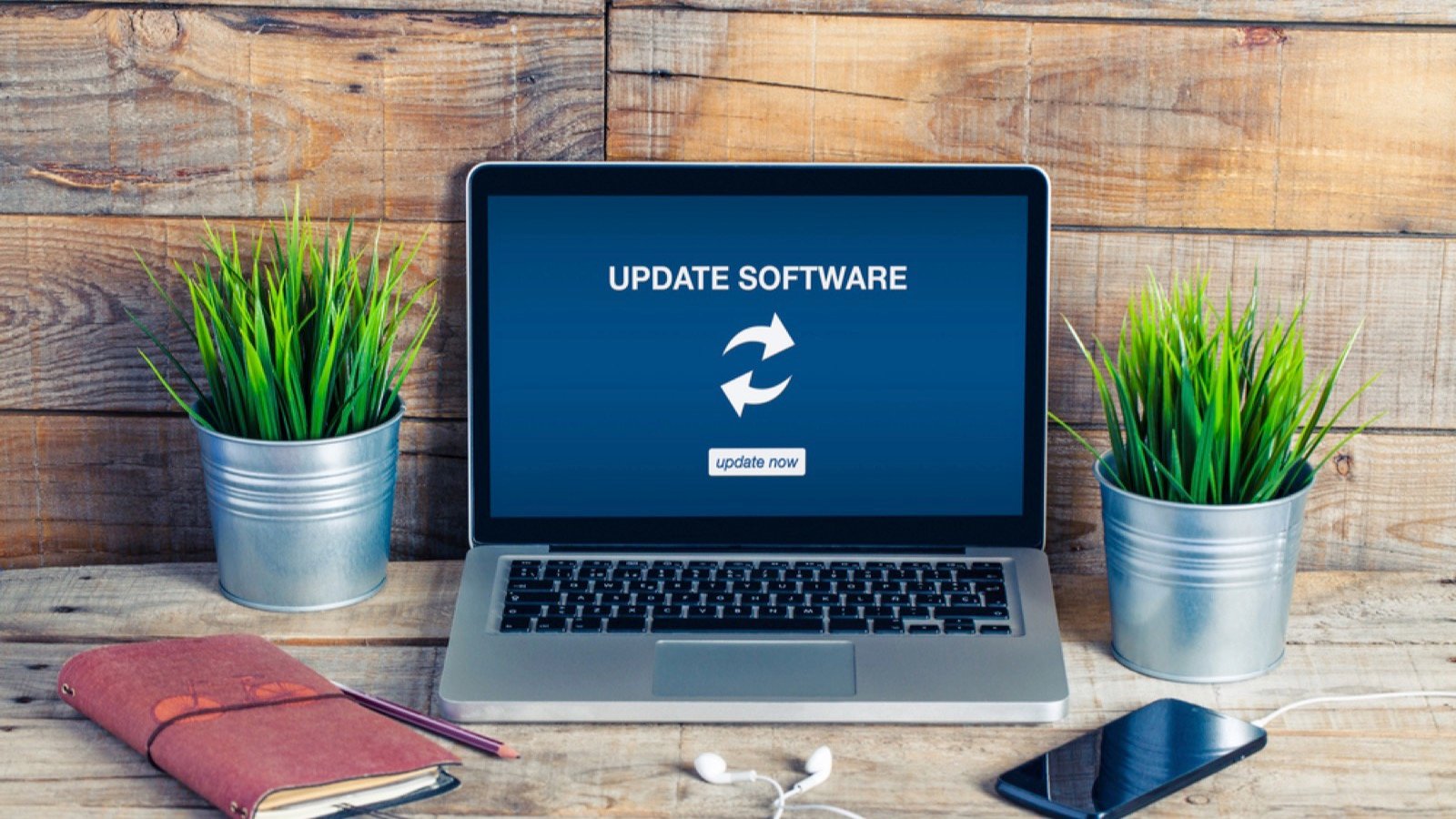
Let’s face it: nothing is more frustrating than starting up your device only to discover that it needs an update. While frustrating, it is important to do these updates because they ensure that all security measures are up to date and that the application is running smoothly.
Enabling automatic updates or scheduling them for when you’re not using your devices can save you time and ensure that all your updates are completed.
Use a Password Manager

If you subscribe to several online platforms, you’ll know that your password collection will grow. NordPass data found that the average person has around 100 passwords. Keeping track of these passwords can become a full-time job if you’re not careful.
Store your passwords in a secure, convenient location, like a password manager. Google offers a free password manager.
Use Two-Factor Authentication (2FA)

Your password is your first line of defense, but two-factor authentication (2FA) is another layer of defense should your password be breached. To use this security method, you must input the correct password and the one-time use code sent to your chosen device.
You cannot log in without the code, even if you have the password. Some apps you can use include Google Authenticator.
Change Default Names and Passwords

When you first set up your home network, you’ll find that the router will come with a password, usually a long line of numbers and letters. While using this password may be convenient, you should change this default password to a new, strong password.
Use Antivirus Software

White hat hackers recommend constantly monitoring your devices for suspicious activity. But this is easier said than done. One workaround is to install reputable antivirus and malware software.
This software will detect and prevent malicious activity on your device while carrying out regular scans to identify any potentially harmful activity.
Limit Your Data Sharing on Social Media

According to Statista, over 5 billion people worldwide use social media. While it’s an excellent tool for business and keeping up with friends and family worldwide, it can also be dangerous for personal information.
Avoid sharing personal data on social media, such as financial information, social security details, or other sensitive personal information.
Delete Unused Software

You should regularly delete old and unused software from your devices. Just because you’re not using it doesn’t mean it’s not running in the background, slowing your system down and becoming a potential security risk.
Many systems will show the last date you accessed a specific piece of software, which can help you decide whether to keep or discard it.
Be Wary of Public WiFi

Be wary of accessing sensitive personal information when using a public WiFi connection. You’re at greater risk of being a cybercrime victim. Public networks are not as secure as private networks, so it is a good idea not to share or access things like online banking while on the network.
Check Permissions

Whenever you download new apps, make sure that you read through the permissions and only accept permissions where they make sense. While messaging apps will need your information, such as your contact and camera, they don’t need your health information.
Be wary of free apps requesting permission to access the microphone or your storage.
Don’t Click on Suspicious Links

One of the best digital hygiene practices you need to know is not clicking on suspicious links. If you have received a link from an unknown source, it is best not to click on it as it can lead to malware attacks or unwanted viruses.
If you have antivirus software, suspicious links will be highlighted with a warning.
18 Everyday Household Items That Are Surprisingly Valuable to Collectors

You don’t have to be a collector or hoarder to have several valuable things in your home. We all accrue many items over the years, some of which could be worth money. Even some everyday household items can be valuable, especially to collectors.
To help determine whether any of your household items are valuable to collectors, we’ve assembled a list of 18 everyday items you likely have in your house. Check out this list and see if any of your items can be turned into money.
15 Bizarre Items That People Bought and Sold on eBay

We all have an eBay account, but who still uses the platform? Traditionally, eBay was the go-to website to sell and buy used items. Now, there are many marketplaces for second-hand items, but eBay is the place where weirdness abounds. What’s the weirdest thing you’ve seen on eBay? I can bet it wasn’t as weird as some of these items.
13 Home Renovations That Are Not Worth the Money
There’s something to be said about making your home your own. However, certain renovation projects aren’t worth the money and time invested.
Being pragmatic about the projects you decide to invest in around your home can be a considerable challenge. There’s always the temptation to add the features you’ve dreamed of having. Then there’s the reality of costs, maintenance, and the long-term appeal of realizing your dream.
I approached compiling the way I would suggest anyone start when contemplating a renovation. I dug into years of real estate sale and construction data from the last few decades to see how costs have fluctuated compared to buyer demand for certain home features. These were the resounding renovation losers, not worth the money.